

Administering
People, roles and API tokens
Two roles, local accounts, and tokens for scripts and agents. The trust model is one organisation: everyone you add can see every diagram.
Roles
Open Users under the Admin menu in the top bar. On a narrow window the bar folds into one Menu button holding the same pages.

| Capability | Administrator | Editor |
|---|---|---|
| Create, open, edit, rename, export and import diagrams | yes | yes |
| Delete a diagram (it goes to the bin) | yes | yes, including diagrams other people made |
| Restore from the bin | any entry | entries they created or deleted |
| Delete from the bin for good | any entry, browser session only | only diagrams they created, browser session only |
| Name, compare and restore versions; duplicate | yes | yes |
| Use the AI panel, and MCP with a token | yes | yes |
| Make their own API tokens; change their own password | yes | yes |
| Add or deactivate users, change roles, reset passwords | yes | no |
| Branding, Themes, AI settings, Licence, Status, Security log, whole-instance export | yes | no |
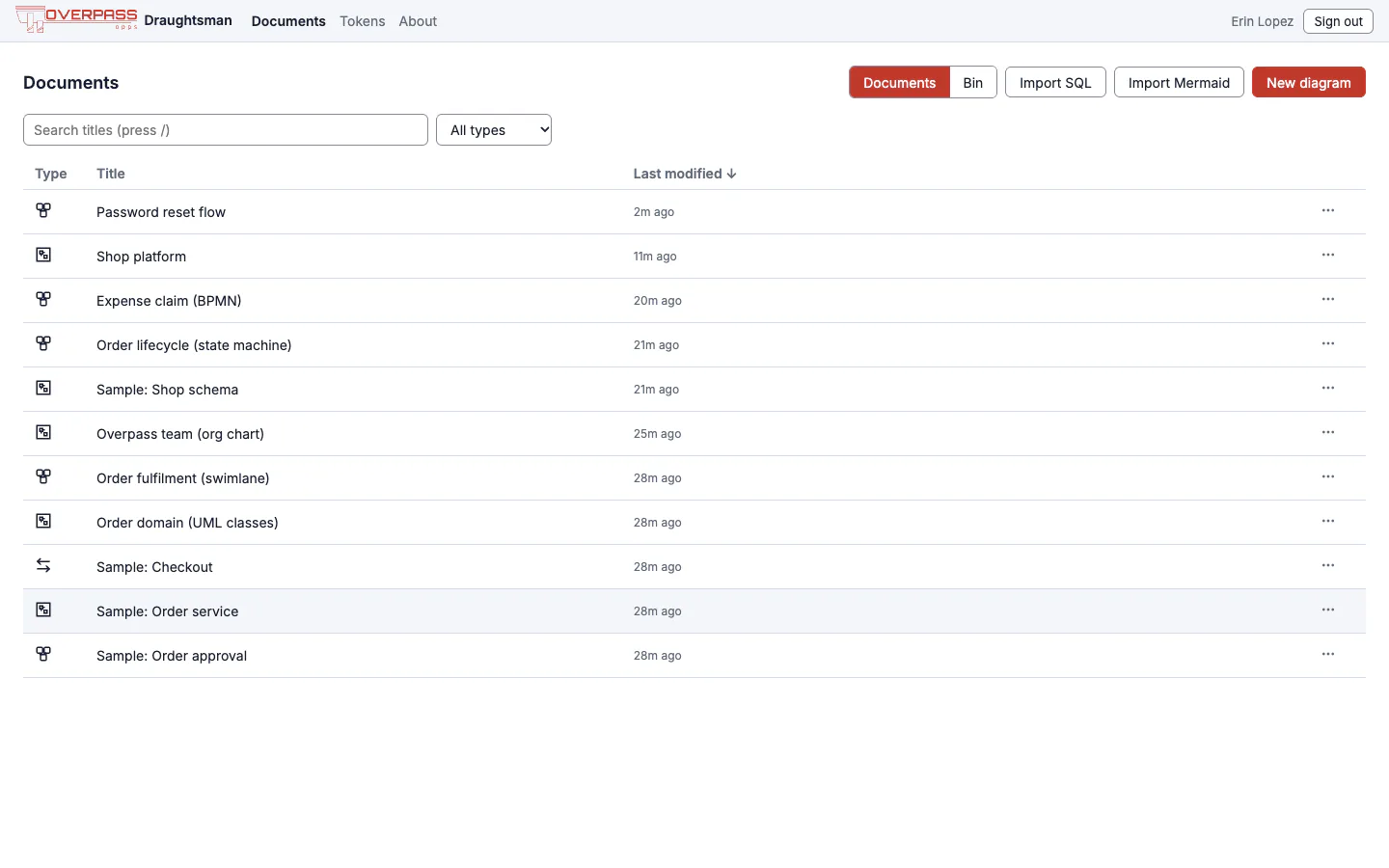
Everything in the lower half is refused to an Editor with 403, and Overpass's test suite checks that route by route. In the browser an Editor's top bar has Documents, Tokens and About, and no Admin menu:
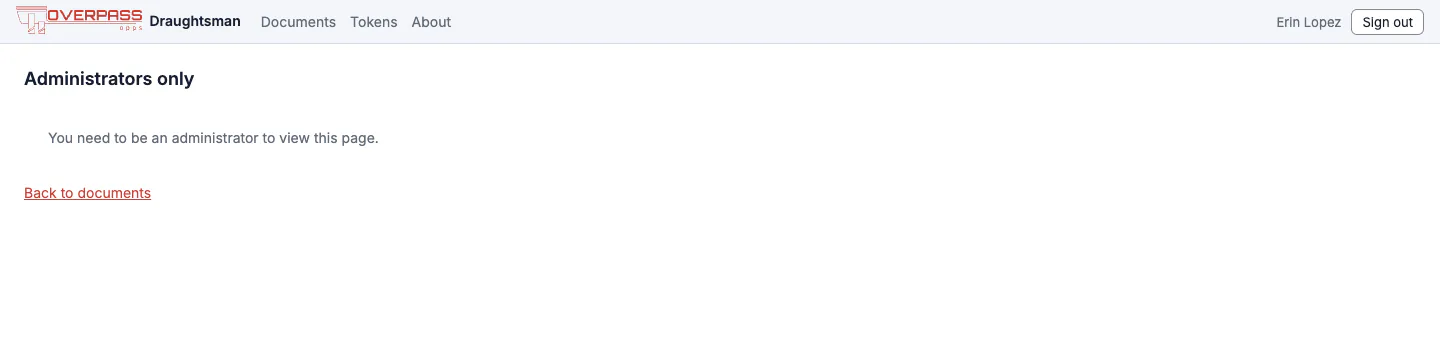
Opening an admin address anyway shows:
There is no Viewer role and no per-document permission. Every signed-in person can read every diagram, and an Editor can overwrite or delete any of them. A delete is recoverable (the diagram goes to the bin with its versions, and the entry remembers who deleted it), but give the Editor role to people you would trust with colleagues' work, and take backups.
Adding and managing people
- Add user: email, name, role and an initial password of at least 12 characters (the rule is printed under the field). Tell the person through a channel of your choice and ask them to change it at Account (their name in the top bar). Nothing is emailed when you add someone; email is used only for password-reset links, and only if you set it up.
- Change role with the drop-down. You cannot remove your own Admin role or deactivate yourself.
- Reset password: you type the new one. It signs the person out everywhere and revokes their API tokens. Their open window goes to the sign-in screen with a line saying they were signed out because a password was changed, or because they signed out in another window. It never says who did it. Edits they had not saved are kept in their browser and offered back when they sign in and reopen the document.
- Create reset link: the better way when someone has forgotten their password. You never see or choose the new password: the person opens a one-time link (24 hours) and chooses their own. It needs no email. See Password recovery and email.
- Deactivate: signs the person out at once and blocks sign-in and tokens. Accounts are never deleted, so documents and the security log keep a name.
- Everyone changes their own password at Account: current password, then the new one twice. It signs them out everywhere else and leaves their tokens alone.
Signing in
- Passwords are stored as Argon2id hashes, with a minimum of 12 characters.
- Sessions are an HttpOnly,
SameSite=Laxcookie held server-side (andSecureover HTTPS). They last 30 days with no "keep me signed in" option, and sign-out or deactivation takes effect at once. - Throttling. Only failures count: five for one account from one address, or twenty from one address across accounts, within 15 minutes. Further sign-ins from there are refused with
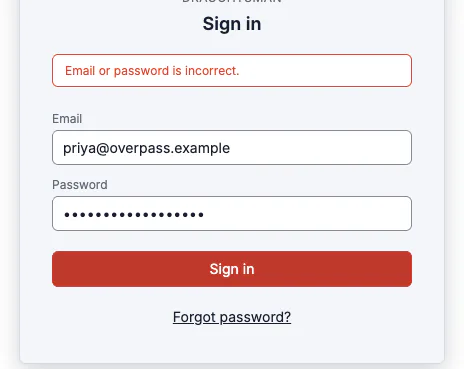
429, even with the right password, until the window passes or the server restarts. Overpass's own check: five wrong passwords, then the correct one, still answered429. Behind a reverse proxy that is not listed inserver.knownProxies, everyone shares the proxy's address and its budget of twenty. - Forgotten passwords: an administrator creates a reset link, or, when you have set up outgoing email, the person uses Forgot password?. See Password recovery and email.
- There is no single sign-on (OIDC or SAML) and no multi-factor authentication yet.
API tokens
A token is for a script or an AI agent. Make one under Tokens (any signed-in person, for themselves); an administrator also sees Everyone's tokens on the same page (owner, created, last used, expires, access, status; never a secret) and can revoke any of them, which is recorded in the security log.
- Expires in: 7, 30, 90 (default), 180 days or 1 year. The default and ceiling are yours to set in
draughtsman.yaml(auth.tokens.defaultLifetimeDays90,maxLifetimeDays365). Asking for more is refused: A token must last between 1 and 365 days. - Read-only: the token can list and read; any other method gets
403 Read-only token. Over MCP a read-only token can list, read, render, diff, critique and fetch schemas, but not create or patch. - The secret (
dst_…) is shown once, when you create it. Only a hash is stored. An expired, revoked or unknown token all get the same401; the server never says which. - A token carries its owner's role, but can never reach the Users page or the
/api/admin/*routes, mint further tokens, change AI settings or permanently delete from the bin, even when an administrator owns it. Those need a browser session. - A password reset revokes the owner's tokens.
Use it with MCP as shown on Agents and MCP, or with the REST API:
curl -s -H "Authorization: Bearer $DRAUGHTSMAN_TOKEN" http://localhost:5180/api/documentsThe security log
Open Security under Admin: sign-ins and failures, throttle trips, sign-outs, first run, accounts created, role changes, deactivations, password resets and changes (including reset links created, emailed, used or refused), email settings changed, tokens created and revoked, host-shell recoveries, whole-instance exports, and diagrams deleted, restored and purged from the bin. Each row has the time, who did it, which account it concerned, the address it came from and a short detail; filter by event type. It never holds a password, token or hash. Events are kept indefinitely; nothing in the product edits or deletes them. The log contains email addresses and IP addresses, which is personal data in many jurisdictions.
